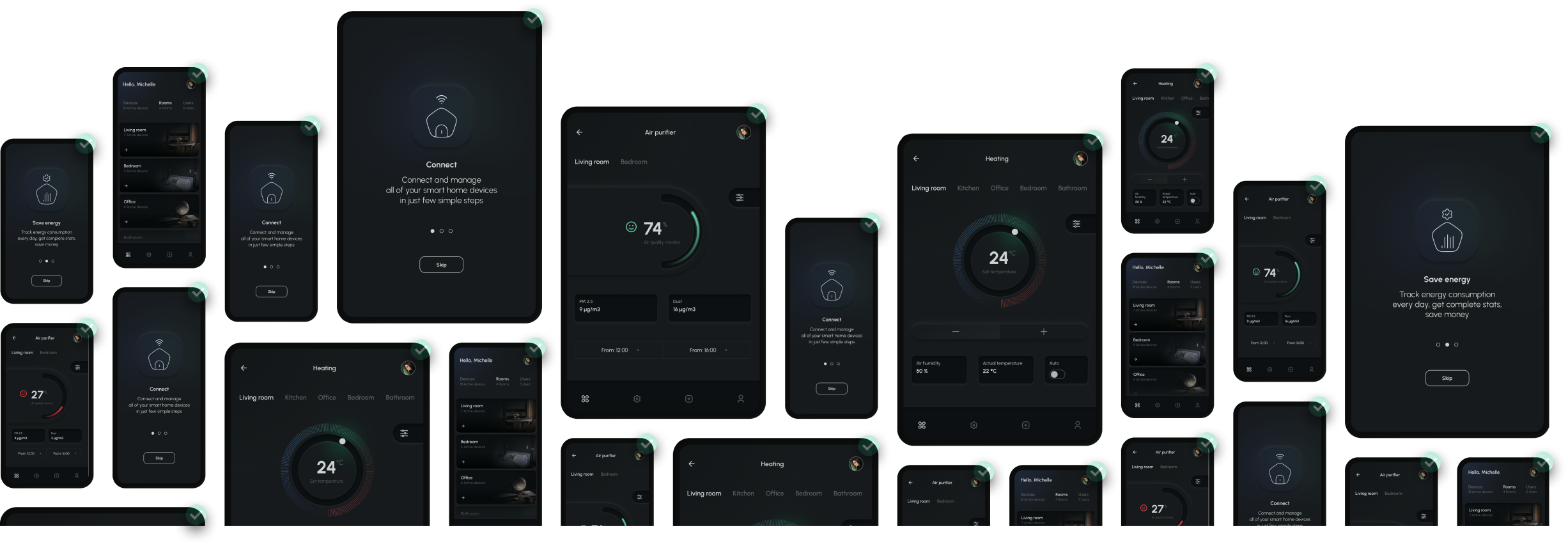
Visual testing for React Native
Catch visual bugs
before your users do
Automatically test how your app looks on iOS and Android - saving hours on every build
No credit card required






Visual regression testing for React Native
Your UI on iOS and Android, tested in the cloud

No credit card required
How it works
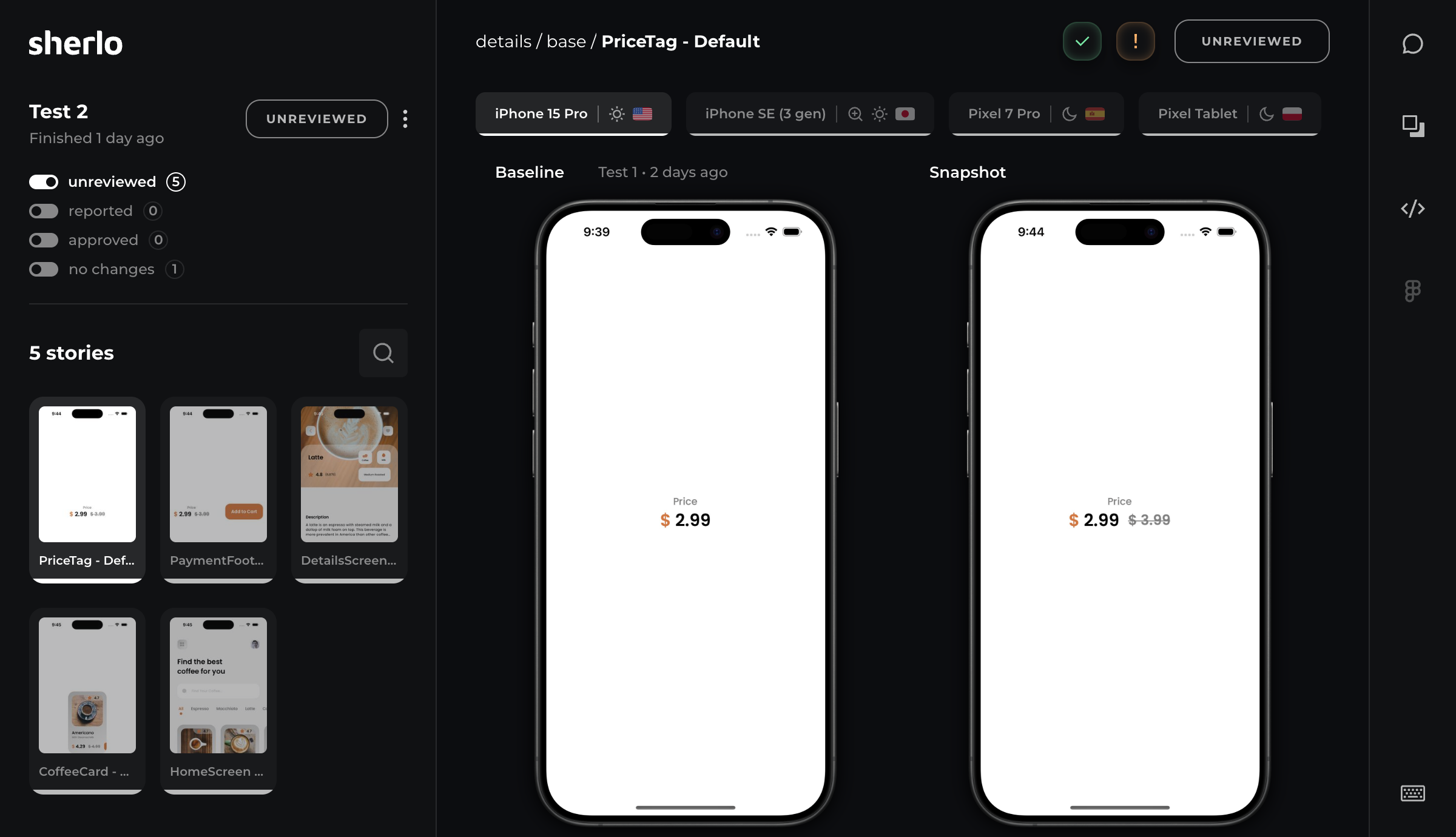
Sherlo shows what changed, you decide what ships
Capture
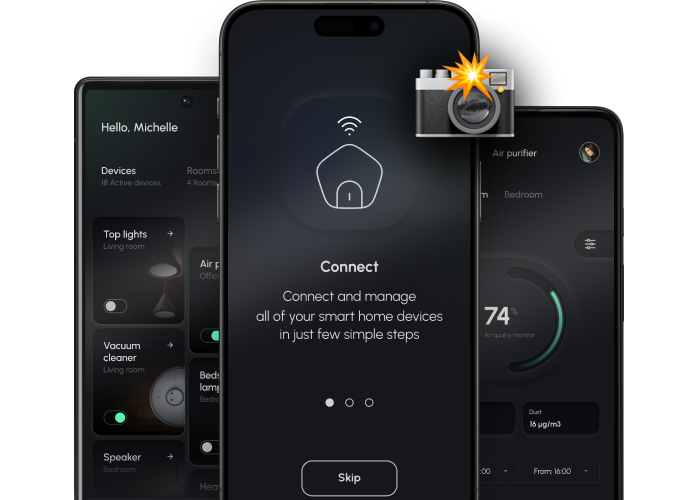
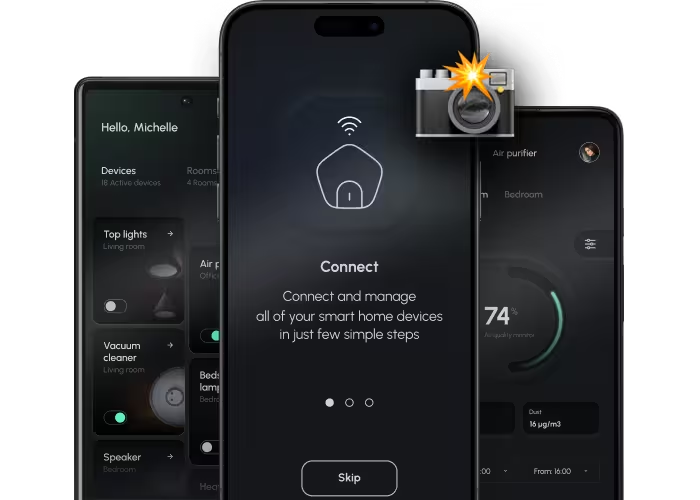
Sherlo takes screenshots of your Storybook stories on iOS and Android simulators in the cloud
Detect
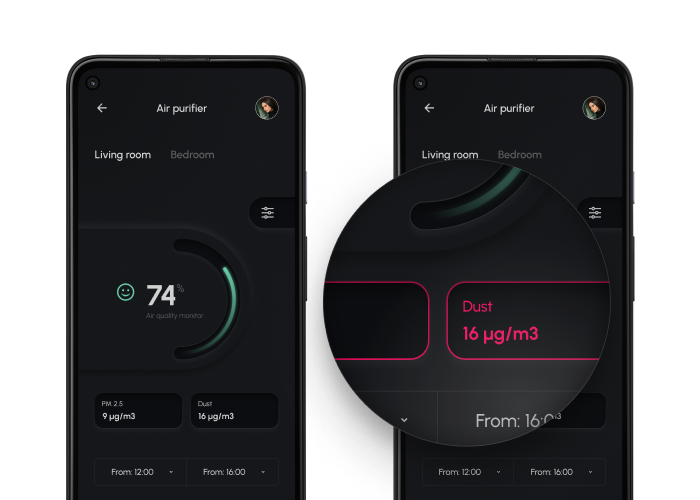
By comparing with the last approved version, Sherlo automatically detects every visual change
Review
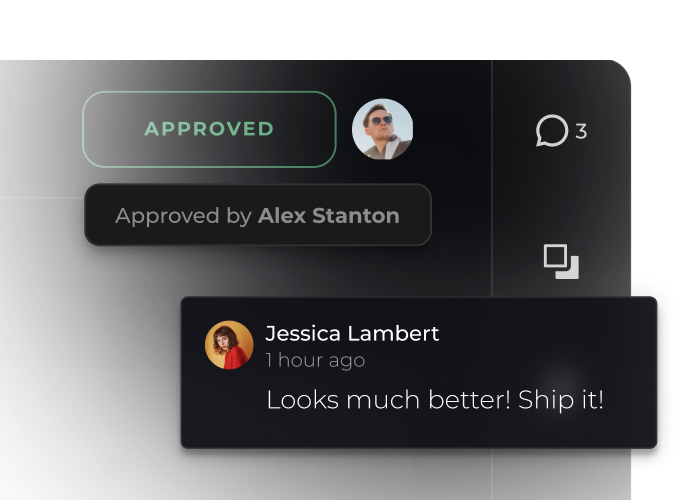
Your team approves or reports visual changes before they go live
Flawless UI, every release
No credit card required

New to Storybook?
Sherlo integrates with Storybook - a tool that helps you develop and document UI components
Built in isolation
No need to run the full app or tap through screens
Automatic docs
Write once, get both components and documentation
Perfect with Sherlo
Every component, tested on iOS and Android - no extra code
Review as a team
Visual changes across devices, for anyone to review - from developers to designers
Visual comparison
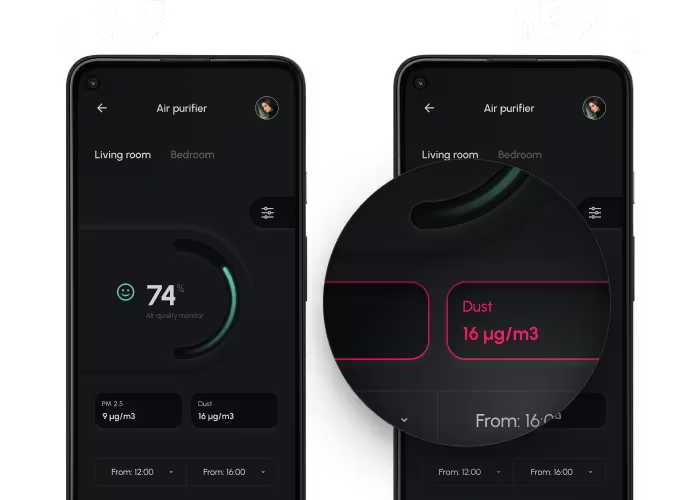
Compare old and new, with highlighted changes
Team feedback
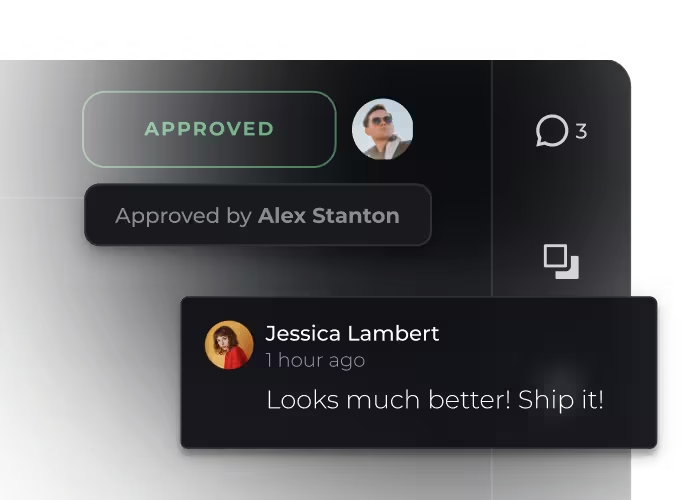
Approve each change, or report it and say why
Code inspector
Inspect React Native styles directly in the browser
Figma preview
See the Figma design side by side with the screenshot
What you get with Sherlo
Pixel-perfect, confident, and fast releases
Pixel perfection
Your designs, implemented exactly as intended
Release confidence
See exactly what changed before it ships - no surprises in production
Hours back
Forget device-by-device checks - every UI update caught automatically
Visual testing cloud
You build, we test - on infrastructure built specifically for mobile UI testing
Real mobile testing
Native iOS and Android visual testing - not React Native Web in a browser
Shared review
One place where devs, designers, PMs, and QA collaborate
React Native teams, in their own words


Sherlo is a great product that integrates smoothly and makes it easier to keep a high-quality interface.
It helps our UX/UI team spot visual errors before they reach our users.
David Saradini
Senior Lead Software Engineer


Sherlo has dramatically reduced the time it takes to perform pixel-perfect visual QA.
It only takes a few seconds to spot mistakes or regressions across different devices and localisations.
Victor Loux
Product Designer


Sherlo has been instrumental in maintaining our design system quality at Alan.
It caught many regressions before production and gives us confidence to ship changes quickly across platforms!
Tim Petricola
Software Engineer


Sherlo just works!
It helped us catch multiple UI regressions across multiple mobile platforms and screen sizes before they hit production, with minimal manual work.
Ben Lapid
Co-Founder & CTO
Save more than you spend
Fixing the same visual bug takes minutes in a pull request, days in production
Free
Catch your first visual bugs for free
$0 / month
Start testing1,000 snapshots
iOS and Android
Visual testing cloud
Low-priority queue
Review app
Code inspector
Unlimited projects
Unlimited users
Figma integration
Slack integration
Starter
Protect your UI on every pull request
Most popular
$179 / month
Select planAll Free features
35,000 snapshots
$0.008 / extra snapshot
High-priority queue
Pro
Keep visual quality high as you scale
$399 / month
Select planAll Starter features
85,000 snapshots
$0.008 / extra snapshot
Top-priority queue
Enterprise
Maintain flawless UI at enterprise volume
Custom
Contact usAll Pro features
85,000+ snapshots
Dedicated support
Critical-priority queue
Frequently asked questions
Visual regression testing catches changes to how your app looks that nobody meant to make.
Sherlo is a visual regression testing tool for React Native. On every build, it screenshots your UI on iOS and Android simulators in the cloud, compares each screenshot against the last approved one, and shows you exactly what changed. Instead of opening the app and checking screens by hand, you review a list of differences and decide which ones are intended.
Sherlo compares each screenshot pixel by pixel against the last approved one.
Most false positives in visual testing come from screenshotting a live app - changing data, animations mid-flight, screens still loading - so Sherlo removes that at the source: every story is a fixed state with fixed data, so the same input produces the same screenshot every run.
Your app can also tell when a visual test is running, so you can freeze an animation or pause a video before the screenshot is taken. Sherlo has no model filtering out differences it thinks don't matter, so nothing gets missed.
Setup takes a few minutes - a single npx sherlo init command does the wiring for you.
It installs the SDK, connects it to your Storybook, creates the config file, and shows you the one line to add to your root component. Your stories become the test cases automatically, so there are no test files to write. See our Sherlo setup docs for the full walkthrough.
Sherlo works with Expo and bare React Native projects.
It needs a build of your app that runs on a simulator, which EAS Build produces for Expo projects.
Sherlo runs on iPhone, iPad and Pixel simulators in the cloud, from compact phones to large tablets.
All are tuned for reliable visual output, and simulators give you the most consistent environment for UI screenshots, letting you test many device configurations in parallel. You can see them all in our supported devices list.
No - with the EAS Update workflow you can reuse the same native build and test only the new JavaScript.
That turns most UI changes into a fast publish-and-test loop instead of a full rebuild. See our testing with EAS Update docs for details.
Sherlo saves hours a build, and more than it costs a month, catching bugs while they're still a one-minute fix rather than a re-release.
It automatically checks your whole UI on every device and shows only what changed. By hand, you only see the screens you thought to open, and one shared component can change dozens you didn't.
The rest is timing. Let QA find it after merge and it costs a ticket and a context switch back. Let it reach production and it costs a fix, a new build and another trip through app store review. Count the engineer hours and that one bug costs more than a month of the plan that would have caught it.
Storybook renders every UI component in isolation, which makes visual tests faster, less flaky and easier to review.
It targets how your UI looks, while E2E is built to test how your app works. A story is a UI state you defined, from one component variant to a whole screen, so Sherlo screenshots it directly across many devices, themes and languages instead of driving your app into each one.
With no flow running, screenshots don't land mid-animation or on a half-loaded screen. When a shared button changes, its own story shows the cause, so every screen it appears on is quick to confirm instead of something to investigate. E2E tests stay focused on what they're best at: validating real user paths.
Not yet - Storybook is the only integration today, but more are on the way.
Running your stories is what makes it fast: every story already describes a UI state, so Sherlo can screenshot it directly instead of navigating your app to reach that screen. If you are not using Storybook yet, it is a one-time setup that also gives you component documentation.
Stop crossing your fingers
Know your UI looks right - on every device, every time
No credit card required