Slack
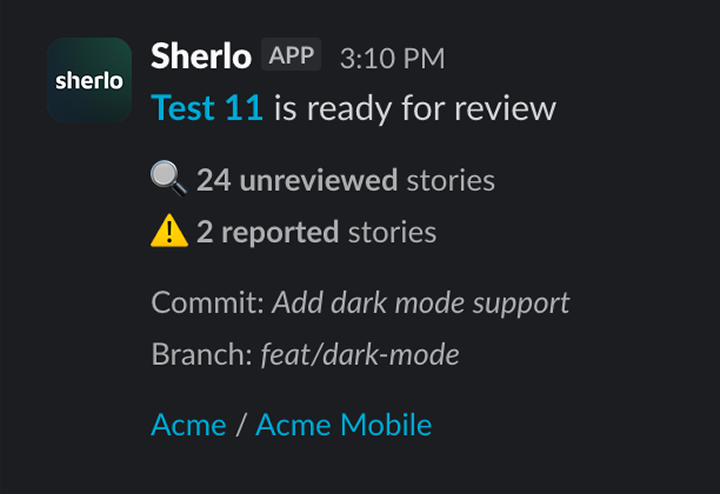
Connect Sherlo to a Slack channel to get notified when a test needs review and when a review is complete.
Connect Slack to your project
To connect your Slack channel:
- Open the Sherlo app
- Enter your project
- Click on
Project settings - Click the
Add to Slackbutton
Get notified when a test needs review
Sherlo posts to your channel whenever a test has visual changes waiting for review, and again once the review is complete. Each notification links straight to the test and summarizes what changed.